Parent and carer guide
Two pages explaining VESPA, the student journey and practical support at home.

Posters & Launch Materials
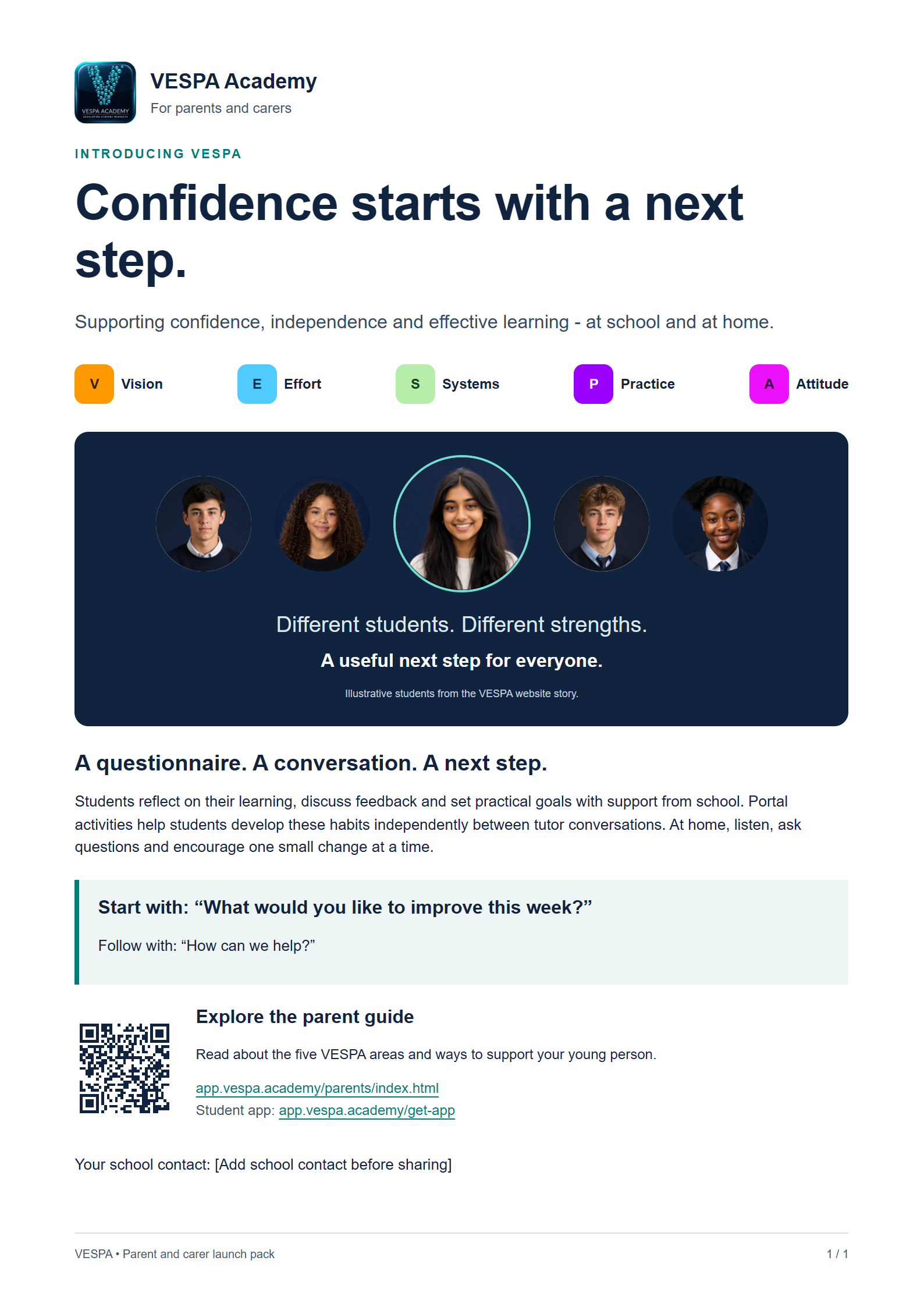
Help your young person build confidence, independence and effective learning habits with VESPA.





Different students. Different strengths.
A useful next step for everyone.Illustrative students from the VESPA website story.Free to read, share and print. No login required.
Book a VESPA demo to unlock our ready-to-use taster pack: 12 tutor slides, student reflection and activity sheets, and delivery notes. We will email your personal access link after your booking is confirmed.
Book a demo and unlock the taster packAlready subscribing or on an active free trial? Open the pack directly from Resources. Or start a free 14-day Coaching Portal trial.
Use the new 12-slide VESPA taster session, reflection sheet, Closed Book Notetaking Practice worksheet and tutor delivery notes with your students.
Open teaching materials in ResourcesAvailable to portal customers and active free trials, without the marketing form or demo booking.
Find the existing VESPA posters covering the five habits, coaching profiles and student report guide.
Open VESPA postersVESPA helps students reflect on Vision, Effort, Systems, Practice and Attitude. With support from school, they use a questionnaire, feedback, reflection and goals to choose useful changes to their learning habits.
The questionnaire is a starting point for discussion. Scores are not grades or fixed labels.
Talk about interests, future plans and what makes learning worthwhile.
“What would you like to work towards?”
Help them make time for focused study and recognise the effort behind progress.
“Which piece of work needs your attention this week?”
Encourage a realistic weekly plan, a useful workspace and a way to track deadlines.
“What would make your week easier to organise?”
Encourage self-testing, practice questions and revisiting learning over time.
“How could you check what you can remember?”
Listen when things feel difficult and help them choose a manageable next step.
“What did you learn from that setback?”
Download the flyer as a high-resolution image
Open any HTML material below and use the Weglot language widget to translate it. Add school details where needed, then choose Print / save as PDF to save or print that language. The downloadable PDFs are English originals. The downloaded ZIP also includes the HTML files, images and plain-text letter for offline use.
Two pages explaining VESPA, the student journey and practical support at home.
A one-page introduction for induction packs, newsletters and parents’ evenings. Edit the school contact before sharing.
Customise school name, dates and contact details. Copy the text into your school email or print it on headed paper.
Five landscape pages for presenting or printing. Add your school contact before sharing.
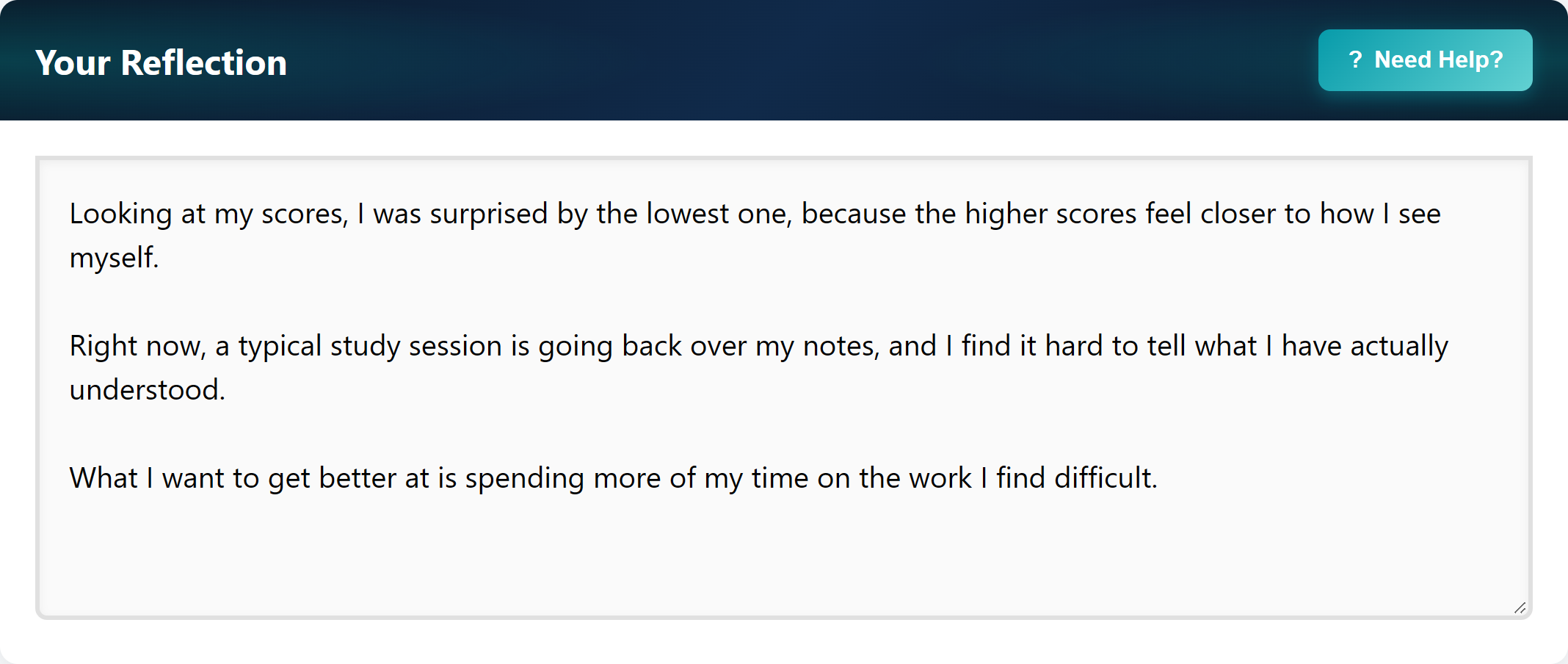
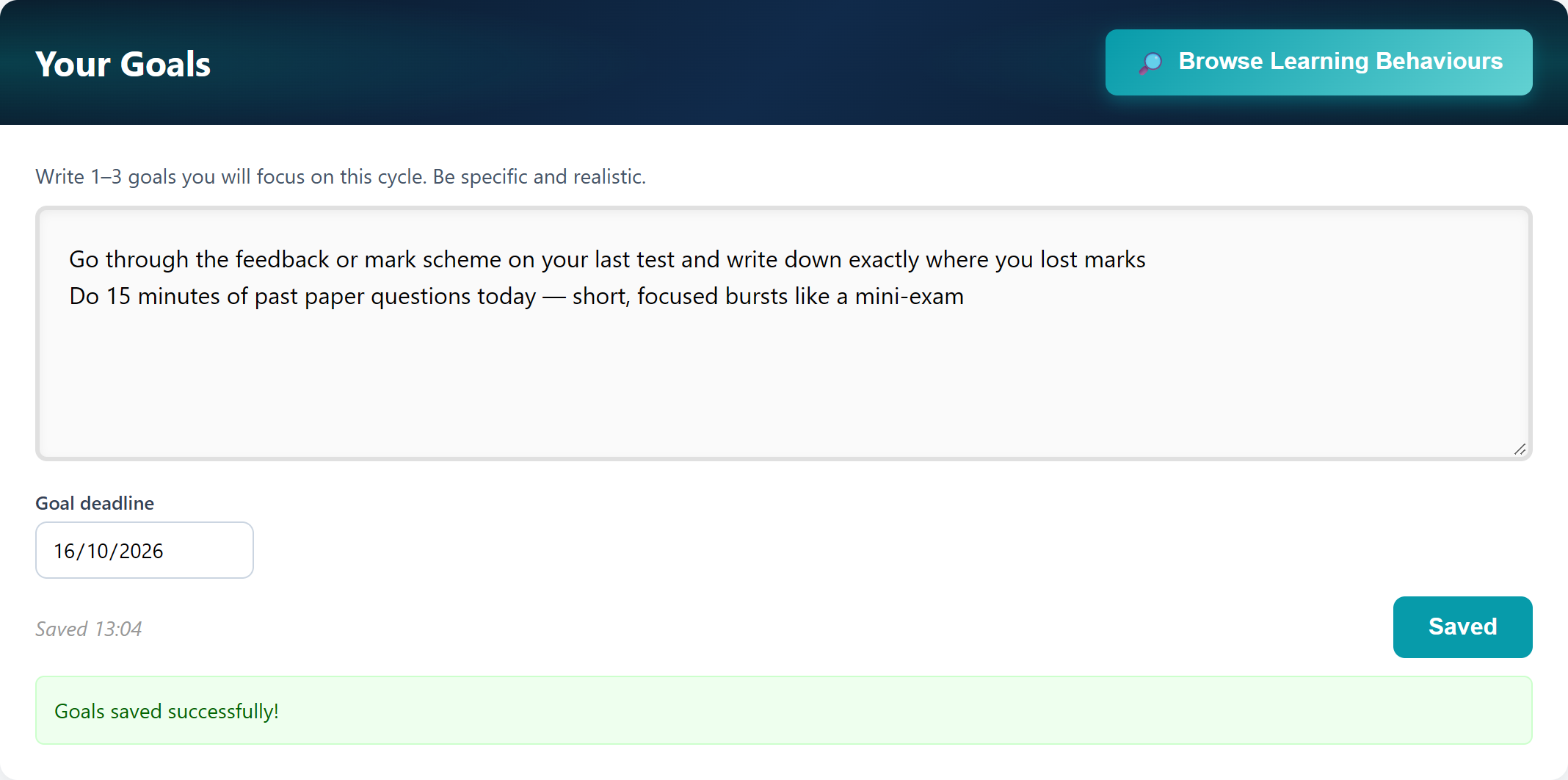
The walkthrough uses fictional student data. Features and school arrangements may vary.
VESPA continues beyond the questionnaire. Students can use activities in the portal to build their Vision, Effort, Systems, Practice and Attitude between tutor conversations.
Activities may be recommended or assigned by school. Students can also explore available activities themselves. Ask your young person: “Which activity did you try, and what will you use again?”
Explore the fictional activities walkthrough
Students can download the app and sign in with the account or sign-in method provided by their school. The browser version is available too.
If your school shares a parent report, it will send you a separate link and access instructions. You do not need your child's login. Ask your school about its reporting arrangements.
For programme dates, student access or learning support, contact your young person's tutor or the school VESPA lead.
The print PDFs contain generic templates. Use the editable versions to produce school-specific copies. Use the Weglot widget on the HTML pages for other languages. Illustrative screenshots and logos remain images; all guidance and template text is available as translatable HTML.